
Websites
Scarlett offers agent websites, available as a monthly subscription. To setup and personalize your website, follow the directions below.
Related Training
Step-By-Step Guide
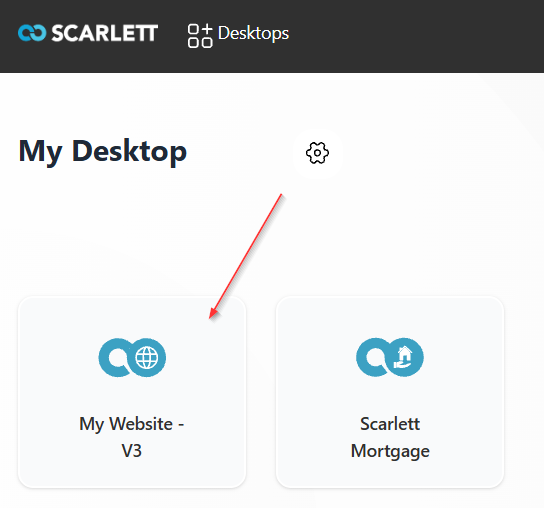
1) From your Scarlett Dashboard, click on "My Website - V3".
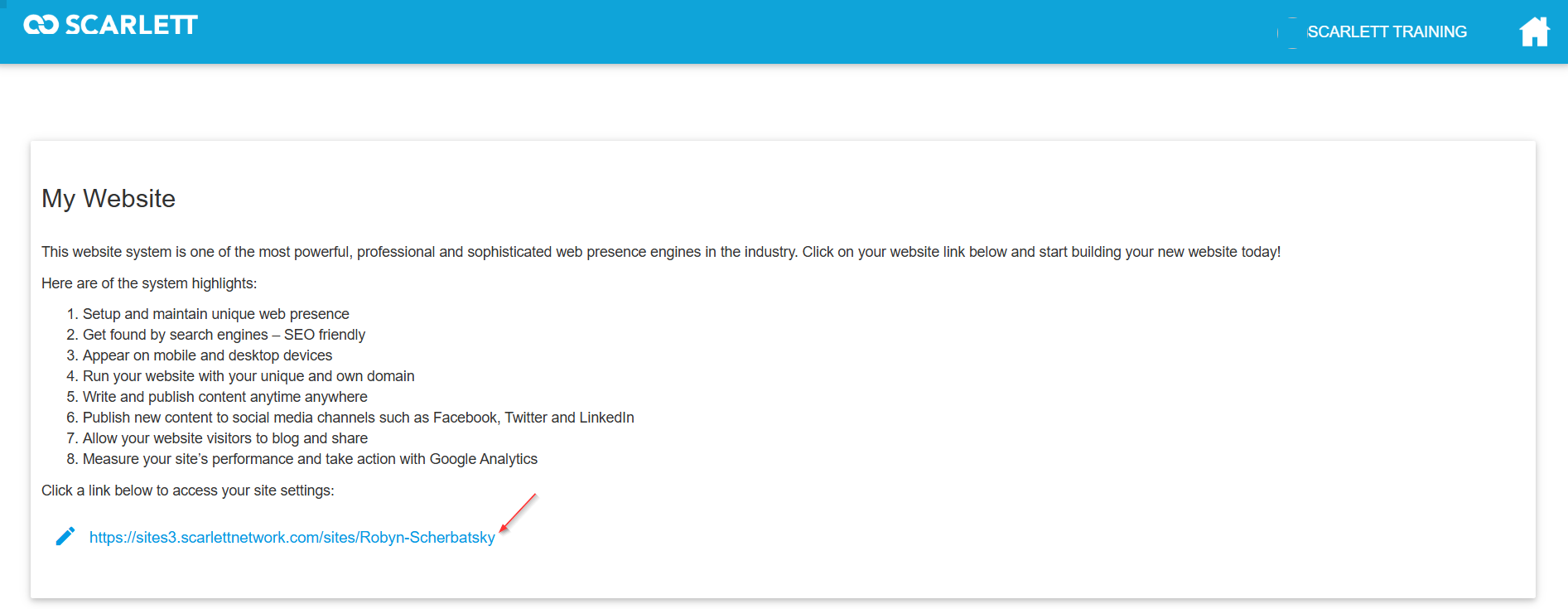
2) Scroll down and select your link to access your site settings.
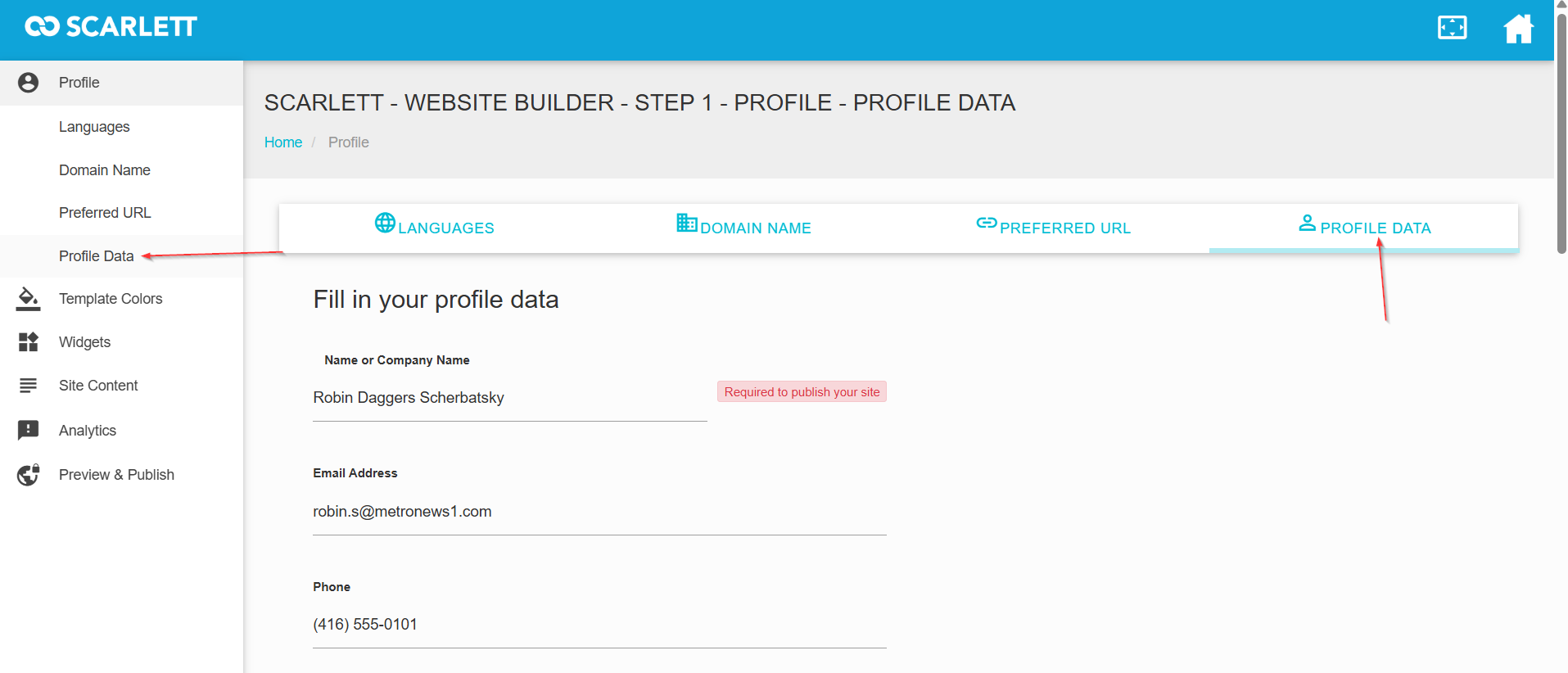
3) Updating your personal details, headshot, etc in the "Profile Data" module.
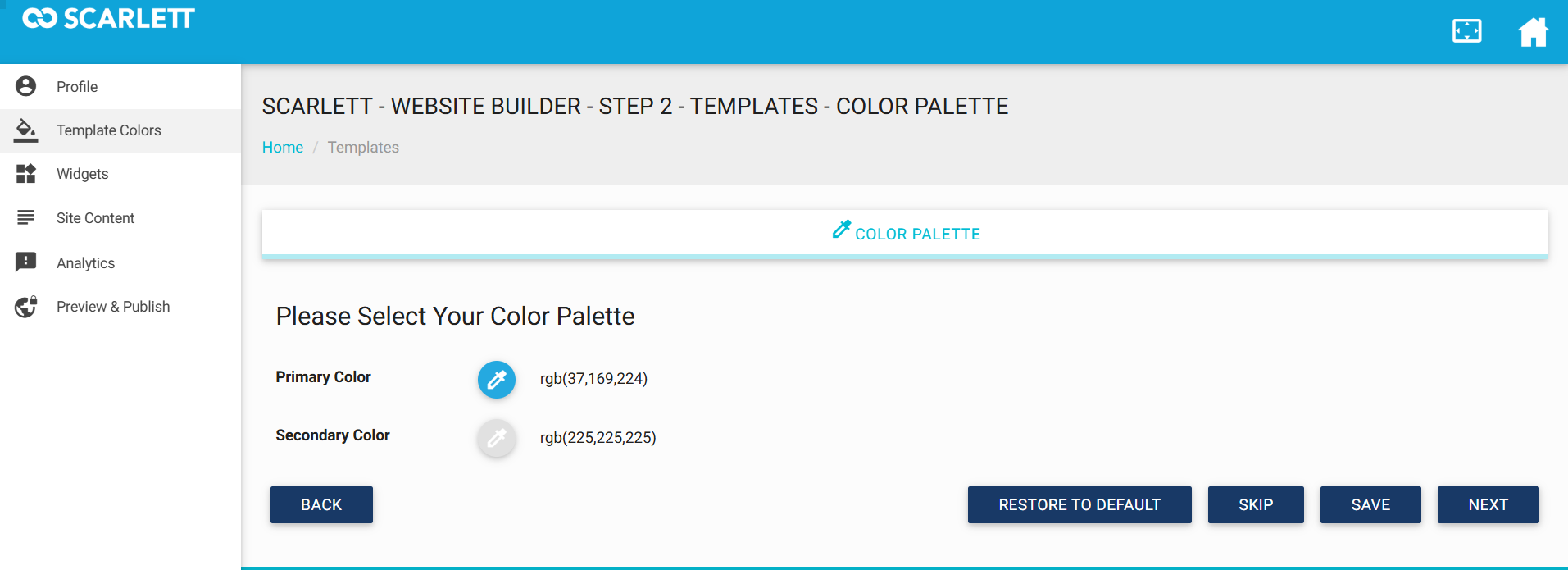
4) Set your default color scheme in Template Colors.
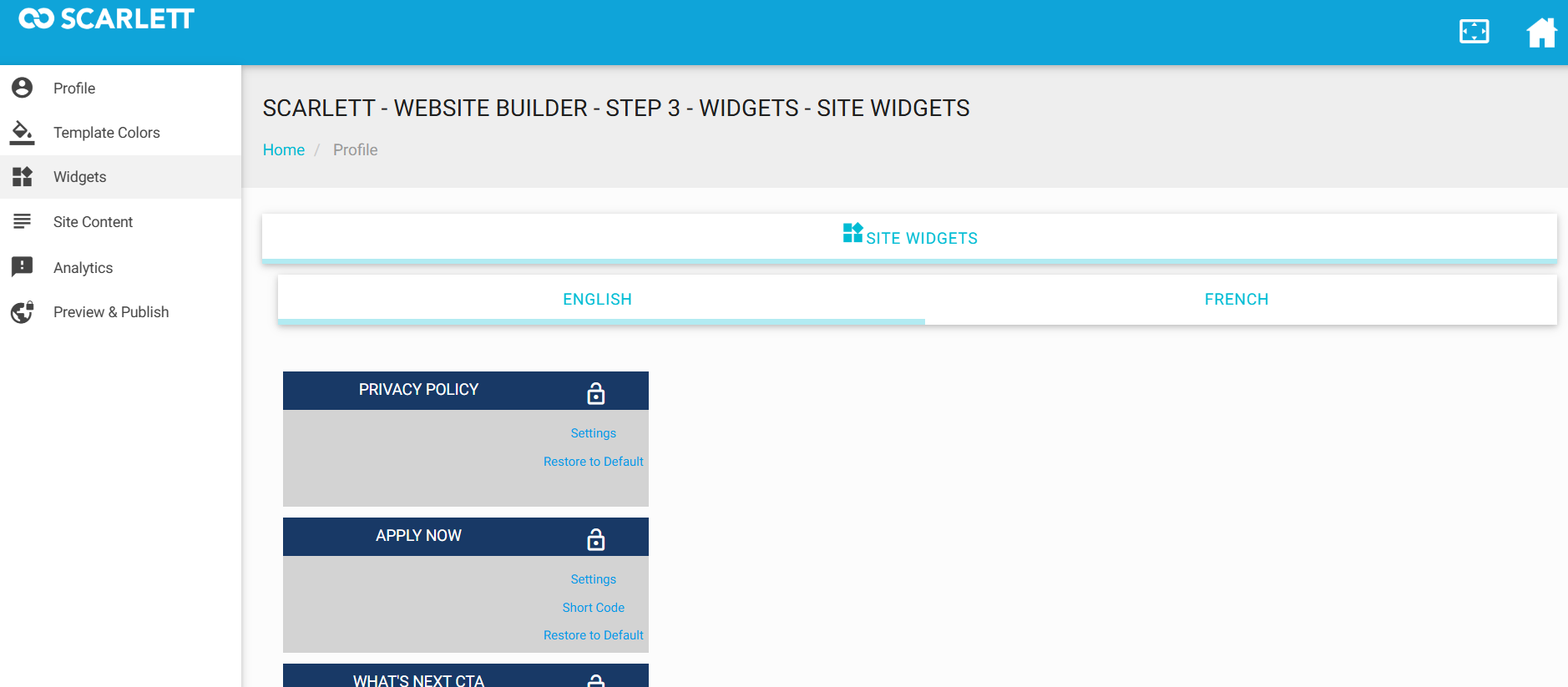
5) Select the Widgets you want to display on your page.
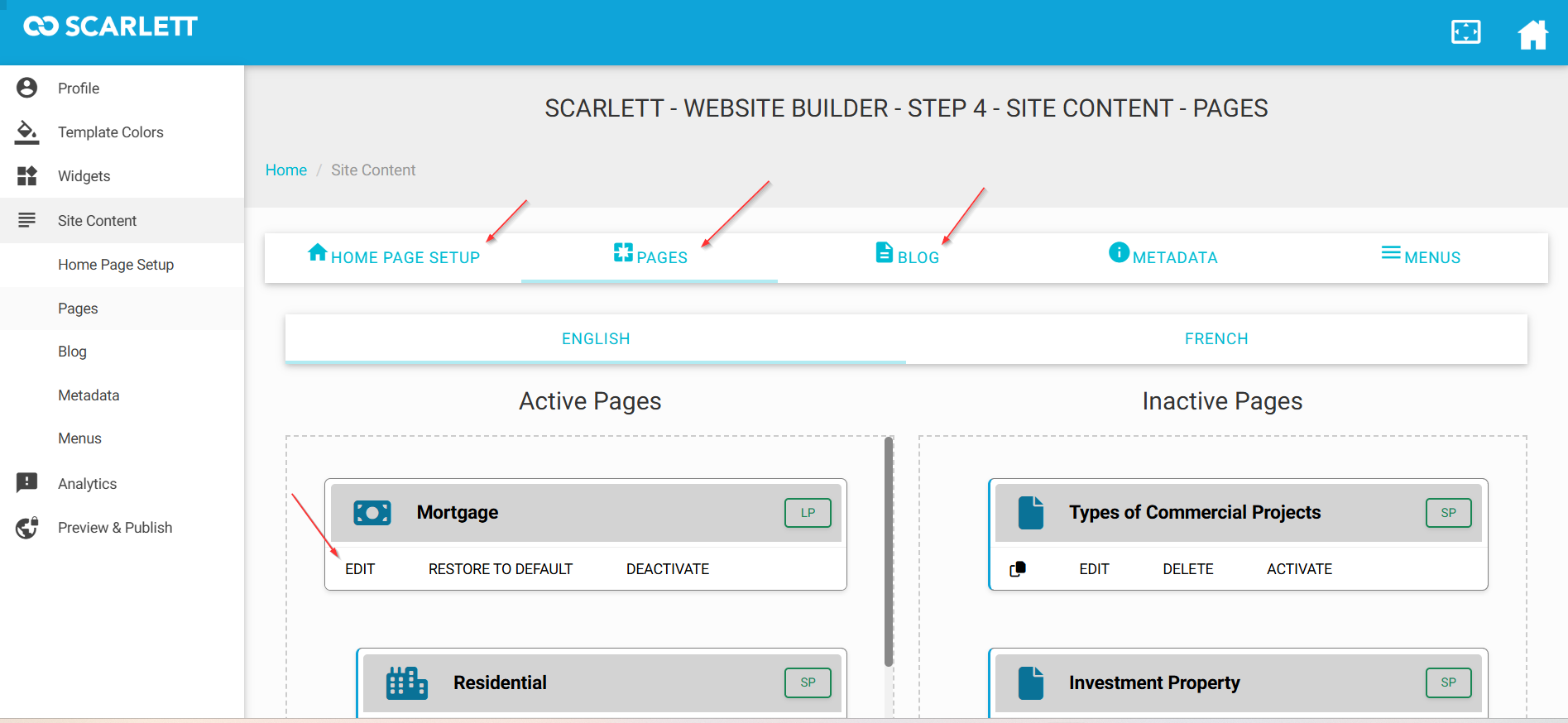
6) Add or remove sections for your Site Content. Visit each tab to see all the pages and edit or update content.
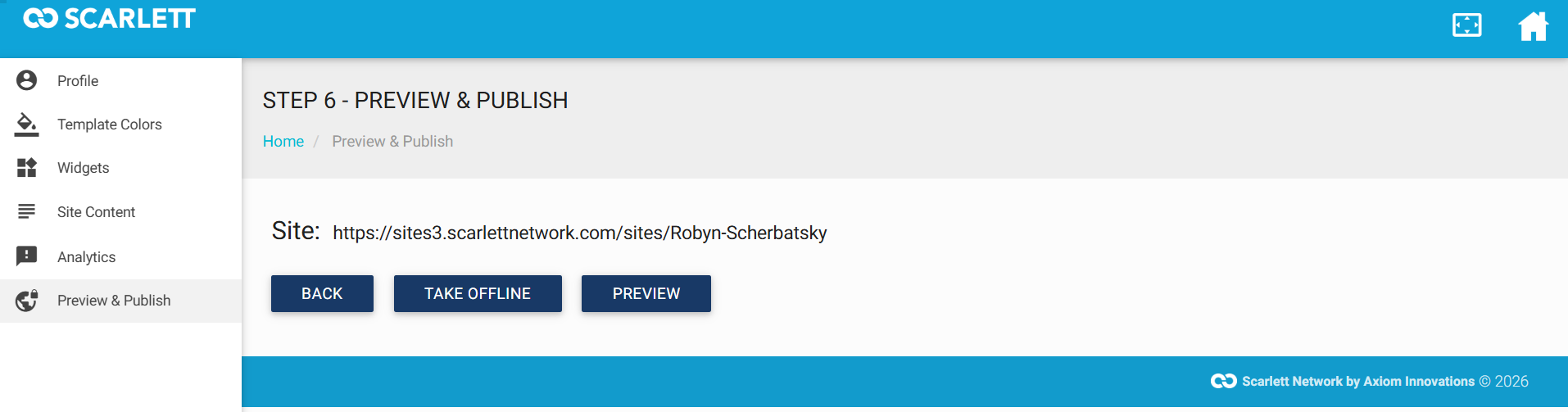
7) Review the changes to your site.
FAQ
Missing the Scarlett Website Icon on My Desktop
Click the gear icon on your Scarlett desktop
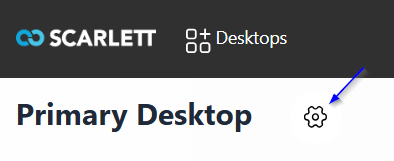
Go to Shortcut Library > Add Shortcut.
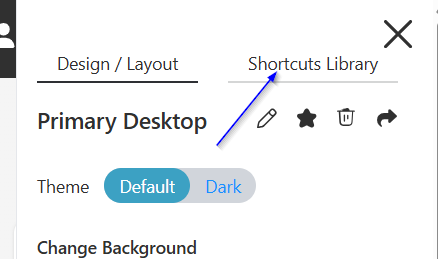
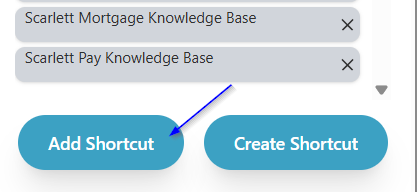
Find "My Website - V3" and click the + beside it to add it to your dashboard.
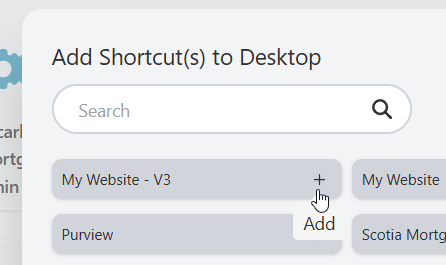
If Website does not appear as an available shortcut, please contact Scarlett Support for assistance.