Custom Fields
Scarlett’s lead forms are designed to be flexible to your process, not the other way around. In addition to the standard fields, agents can create their own custom fields to capture the exact information they need for their CRM workflows.
Custom fields allow you to tailor your lead intake to match how you operate. These fields can be added directly to your forms, ensuring that the right information is collected from the start and flows seamlessly into your CRM.
Step-By-Step Guide
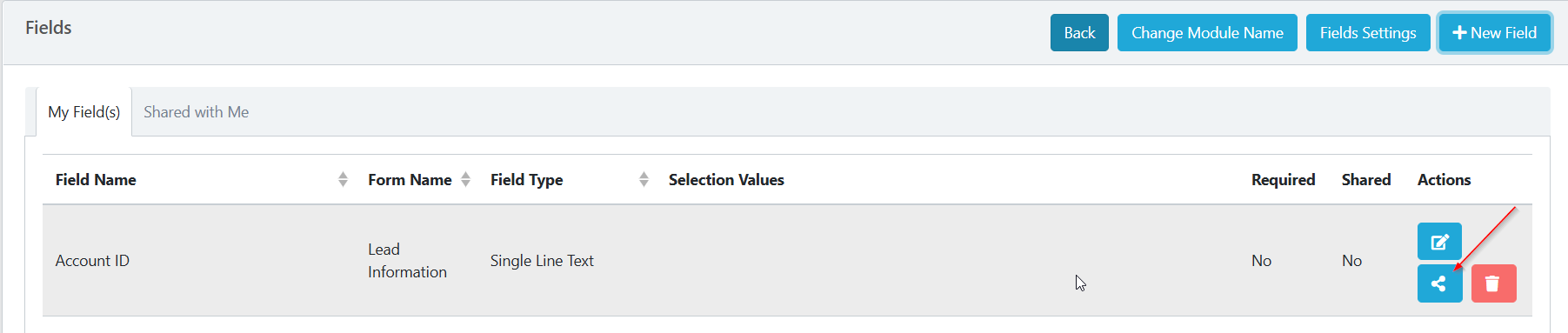
1) From within your leads dashboard, click the gear icon and select fields.

2) This will show a list of existing fields. You can create a new custom field by clicking "New Field"

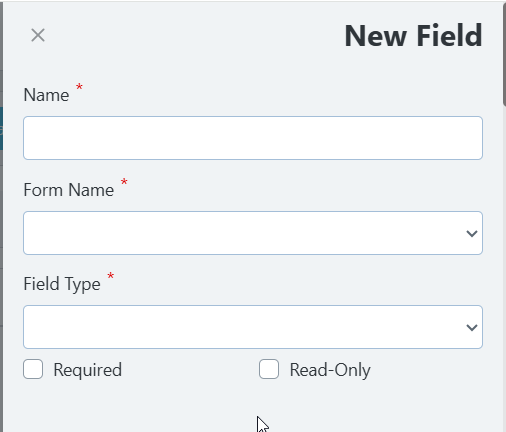
3) This will open the create screen where you can name the field, add it to a specific form section, and set the field type.
4) Created forms can be shared to team members by clicking the share icon.