
Using the Quick Search
Edited
This guide provides step-by-step instructions on how to perform a quick search in Scarlett Origination. By following these steps, users can efficiently search for specific deals, applicants, properties, or tags.
Video Walkthrough
Step-by-Step Guide
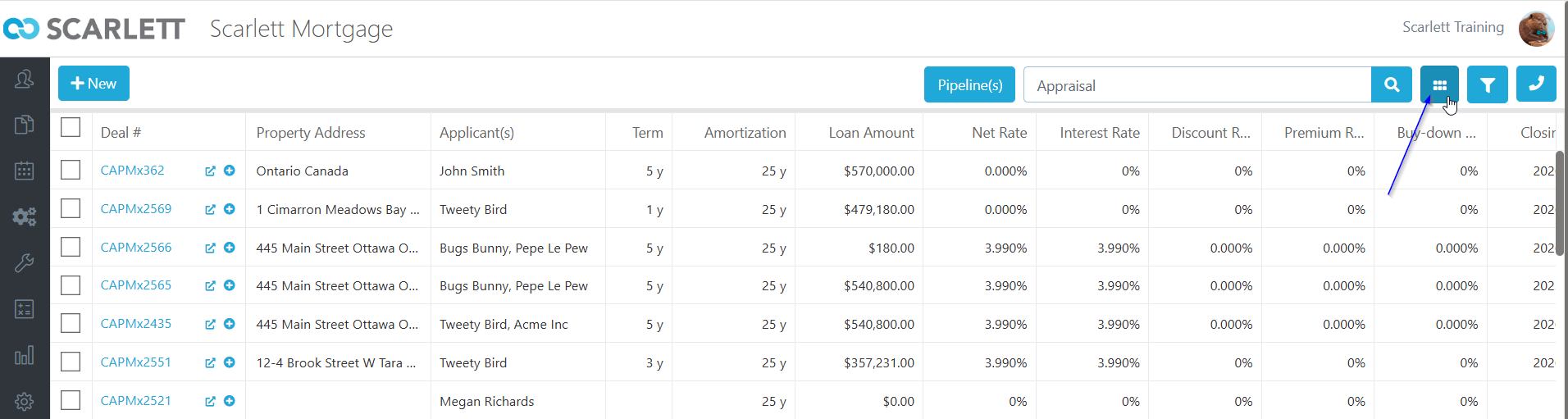
1) Type the Deal Number into the search bar in the top right
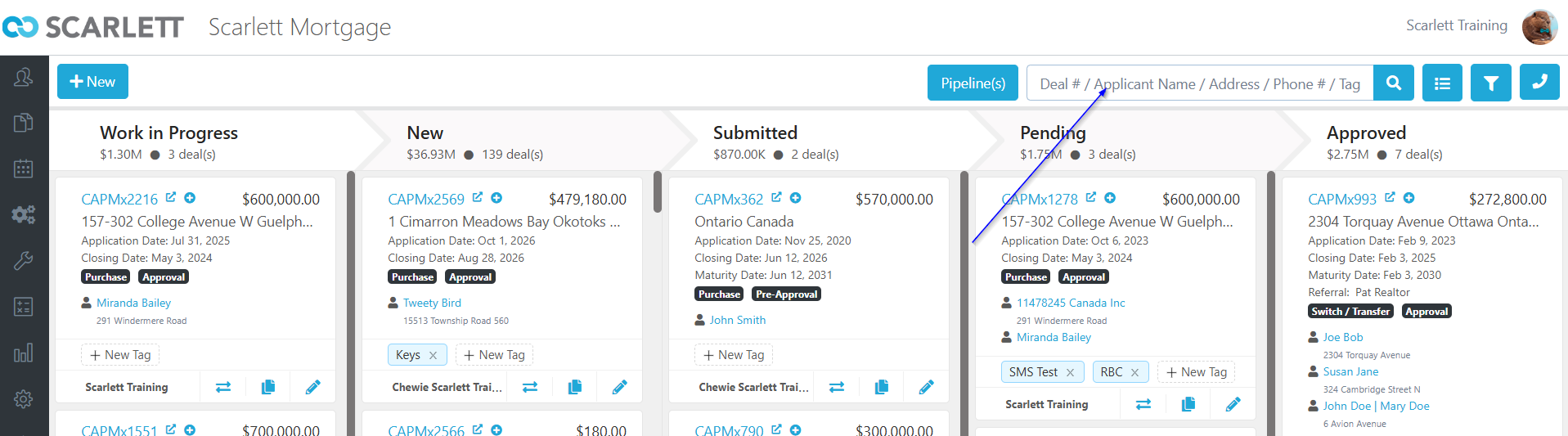
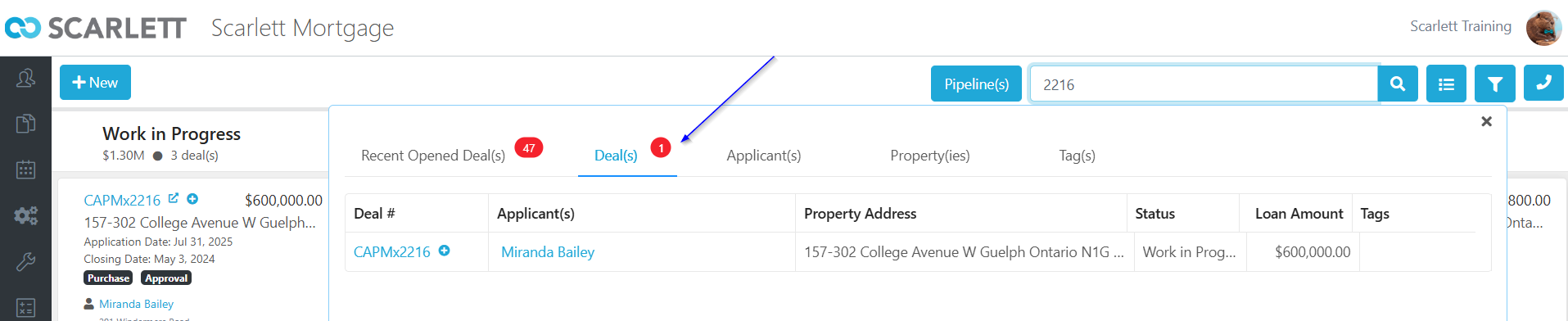
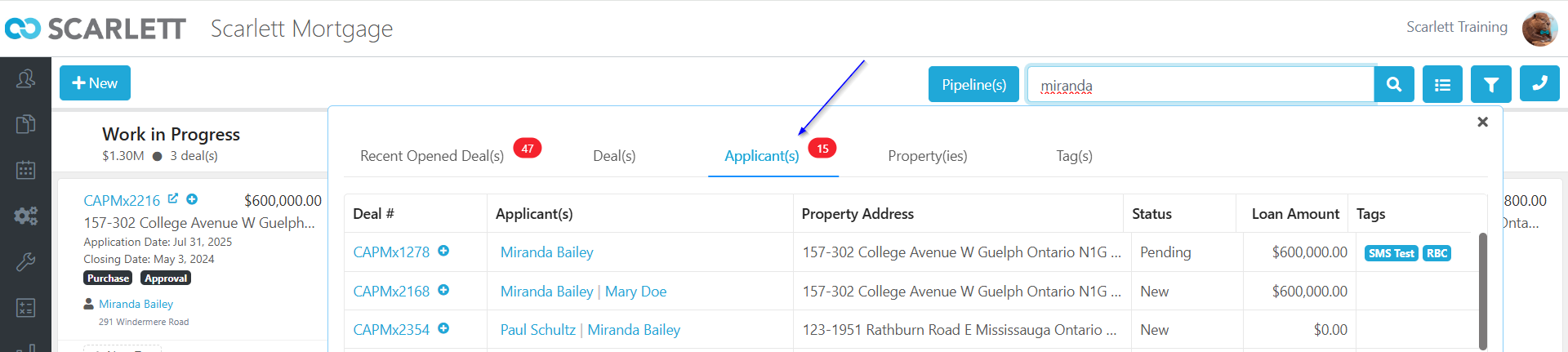
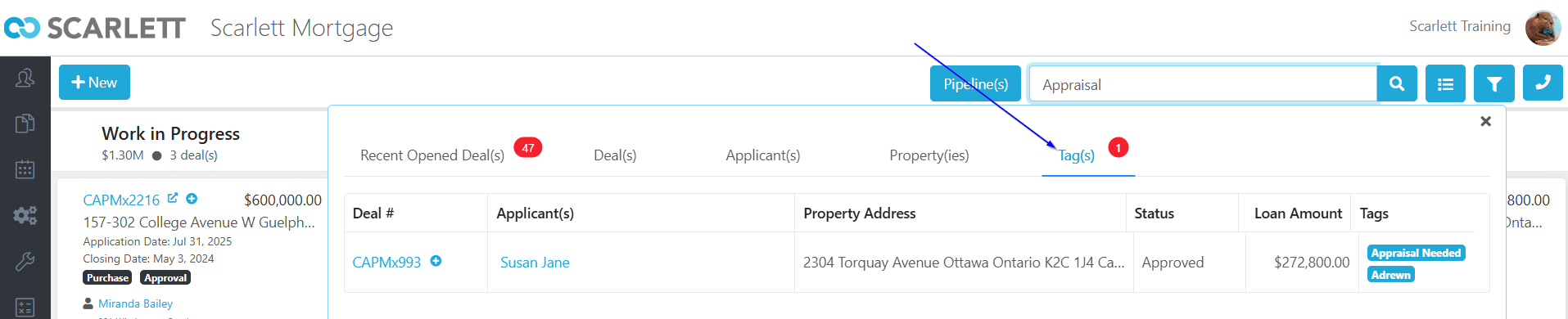
2) You can also search by Name, Property Address, or by Tag
3) You can press the list button in the top right of the screen to display your information either in tile or list form.
search